
Entertainment
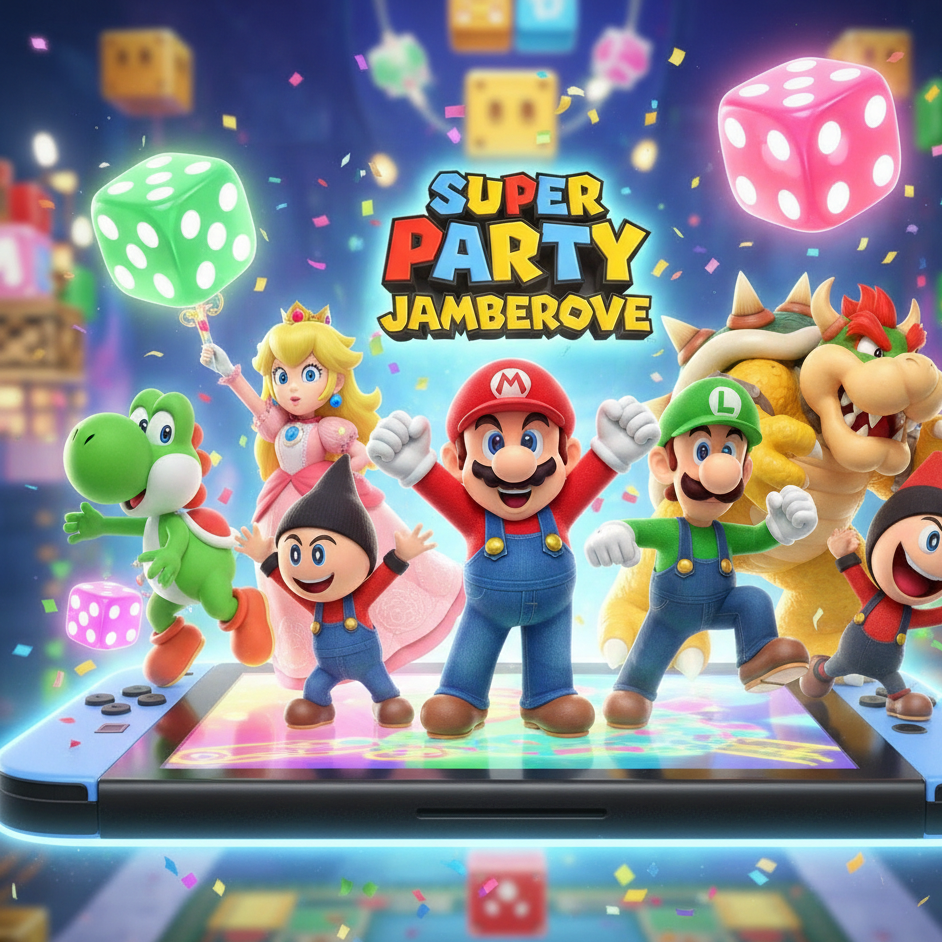
Experience the Ultimate 20-Player Fun in Mario Party!

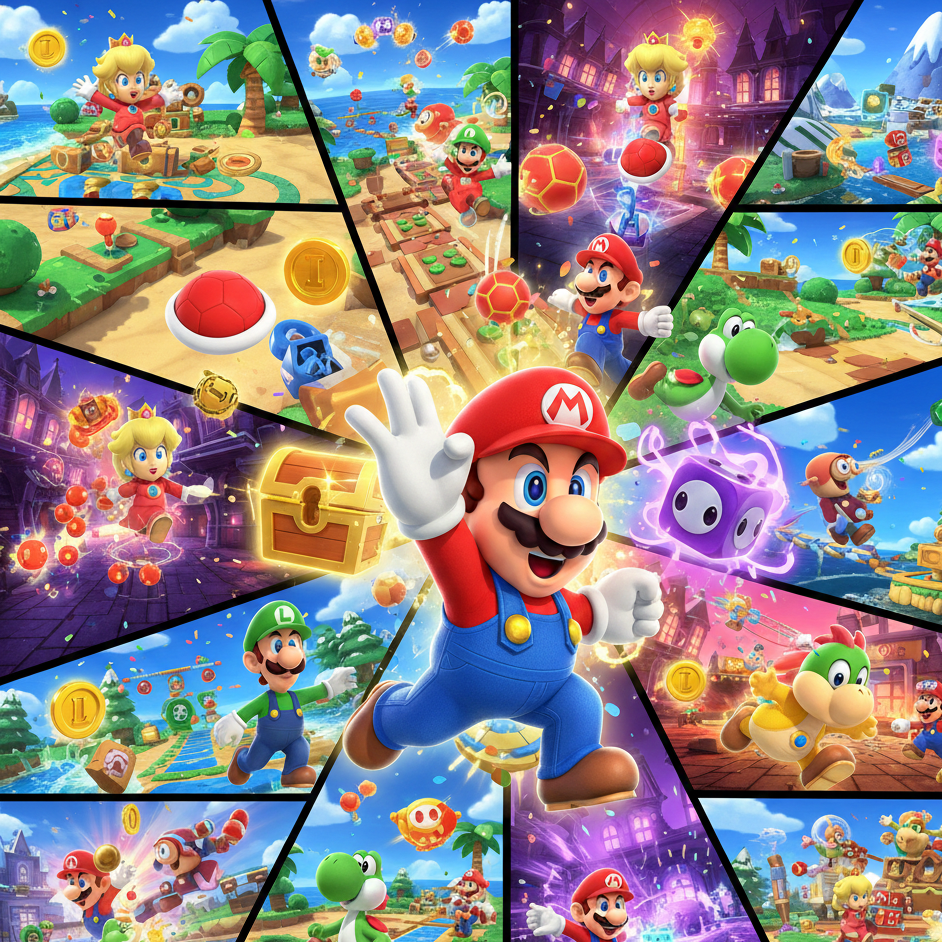
Introduction
Super Mario Party Jamboree represents the most ambitious entry in Nintendo’s beloved party game franchise. Released for the Nintendo Switch, this installment pushes boundaries with an unprecedented 110+ minigames, innovative 20-player competitive modes, and extensive customization options that cater to both casual gatherings and competitive players.
Remember the frustration of a family game night that fizzled out? Someone doesn’t understand the rules, another finds it too simple, and the competitive cousin is just too good? Finding a video game that truly brings everyone together—regardless of age or skill level—has always been a challenge.
That’s the magic the Mario Party series has spun for decades. Now, with Super Mario Party Jamboree for the Nintendo Switch, Nintendo isn’t just raising the bar; they’re launching a full-scale celebration. This game promises to solve the ultimate party puzzle: creating an experience that is simultaneously accessible for newcomers and deep enough for seasoned pros, all wrapped in chaotic, laugh-out-loud fun.
Building on the foundation of its predecessors, Jamboree is shaping up to be the most ambitious and comprehensive title in the franchise’s history. With a staggering scale that includes a 20-player online mode, over 110 minigames, and expansive new boards, it’s designed to be the go-to party game for your Nintendo Switch. Let’s dive into what makes this jamboree worthy of the name.
Whether you’re hosting a family game night or competing with friends online, Super Mario Party Jamboree offers something for everyone. The game’s massive scale, combined with new mechanics like Jamboree Buddies and strategic board items, creates a party experience unlike anything the series has delivered before. This comprehensive guide explores everything you need to know about mastering this multiplayer phenomenon.
What is Super Mario Party Jamboree?
At its heart, Super Mario Party Jamboree is the next evolution of Nintendo’s flagship party game series. It retains the classic, beloved formula: players roll dice, move around vibrant boards, collect coins and stars, and compete in frantic minigames that test skill, luck, and reflexes.
However, Jamboree expands this framework to a monumental scale. The name itself implies a grand gathering, and the game delivers with an unprecedented focus on mass multiplayer, variety, and player choice. It’s built upon the successful mechanics of Super Mario Party (2018) and Mario Party Superstars (2021), combining the original’s inventive motion-control minigames with the latter’s celebration of classic boards and traditional gameplay.
The core appeal remains its co-op fun for all ages. A grandparent can have as much fun as a grandchild, thanks to intuitive controls and game mechanics that level the playing field with strategic items and good old-fashioned dice-rolling luck. It’s this blend of competition and camaraderie that has defined the series, and Jamboree is poised to perfect it.
Breaking Down the Massive Scale
The 20-Player Koopathlon: Online Chaos Perfected
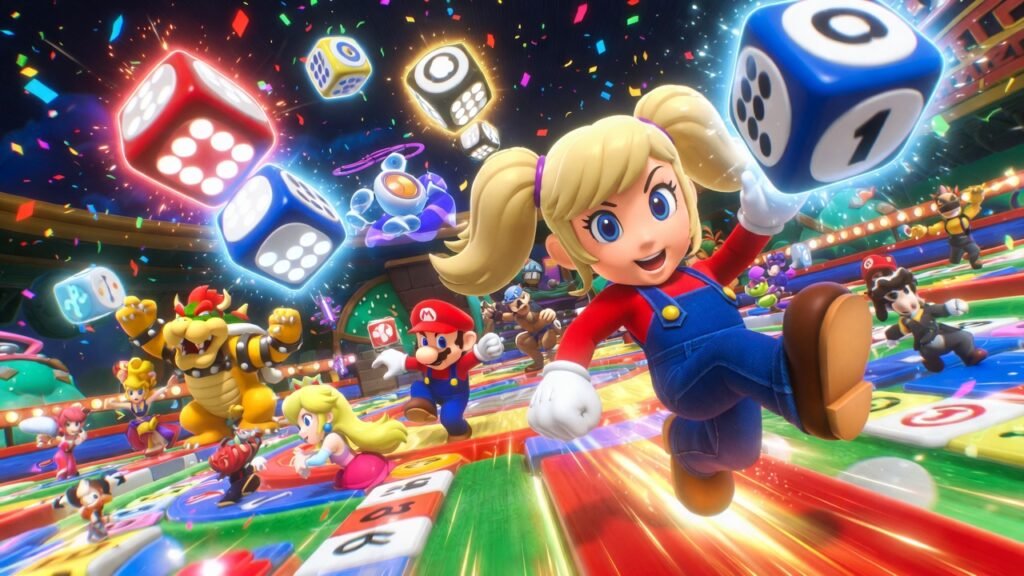
This is arguably the headlining feature. The Koopathlon is a brand-new, online-focused mode that supports a mind-boggling 20 players simultaneously. Imagine a massive, chaotic race across five different minigame courses.
- How it Works: All 20 players compete in the same minigame at once, but are split into smaller groups (like four groups of five). Your performance in each minigame earns you points. The goal is to be the first to reach the finish line by accumulating the most points across the five-event gauntlet.
- The Appeal: It’s fast, frenetic, and perfect for quick, high-stakes online multiplayer sessions. It captures the feel of a massive party tournament without needing 19 friends in your living room.
What Makes Super Mario Party Jamboree Different
Super Mario Party Jamboree distinguishes itself through sheer content volume and innovative gameplay mechanics. The game features the largest minigame collection in franchise history, ensuring that repetition rarely becomes an issue even during extended play sessions.
The introduction of Koopathlon mode fundamentally changes how players experience competitive Mario Party gaming. This chaotic 20-player race combines traditional minigame mechanics with battle royale-style elimination, creating tension and excitement that keeps everyone engaged from start to finish.
Additionally, the expanded character roster brings fresh personalities to the party. Fan favorites like Pauline and Ninji join the established cast, each bringing unique animations and voice lines that add personality to every match.
Koopathlon: The Revolutionary 20-Player Mode
How Koopathlon Works
Koopathlon represents the game’s most significant innovation. Twenty players compete simultaneously in a massive relay race format where performance in minigames directly impacts your position. Players who fall behind face elimination, creating genuine stakes even in casual matches.
The mode alternates between racing segments and minigame challenges. During races, your accumulated points determine your speed, while minigames offer opportunities to catch up or extend your lead. This design ensures that skilled players maintain advantages while giving everyone realistic comeback potential.
Strategy for Koopathlon Success
Success in Koopathlon requires balancing consistency with risk-taking. Focus on performing well across all minigame types rather than specializing, as the random selection means versatility wins. During racing segments, watch the player count carefully and adjust your aggression based on how close you are to elimination.
Communication matters in team-based Koopathlon variants. Coordinate with allies to maximize collective performance, and don’t hesitate to sacrifice individual glory for team advancement when elimination looms.
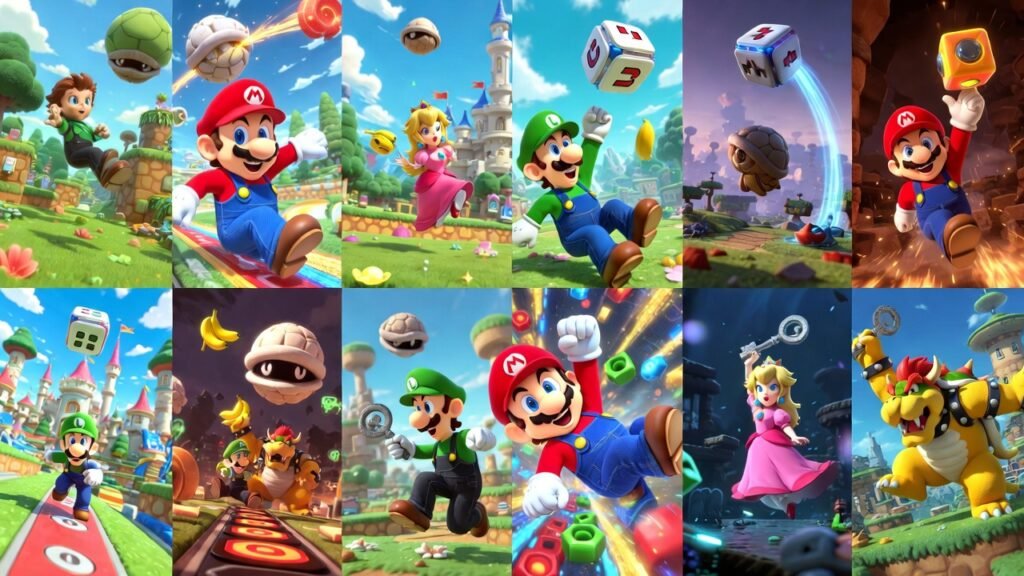
The Complete Minigame Collection
Minigame Categories Explained
The 110+ minigames span multiple categories designed to test different skills. Free-for-all games pit everyone against each other, while team battles require cooperation. Duel minigames create intense one-on-one showdowns, and rhythm games challenge your timing precision.
Each category maintains Mario Party’s signature accessibility while offering skill depth for competitive players. Button-mashing challenges reward quick reflexes, puzzle games test problem-solving, and racing minigames demand precision control.
Top Minigames You’ll Love
Certain minigames quickly become fan favorites due to their perfect balance of simplicity and excitement. Look for rhythm-based challenges that sync with catchy music, competitive races with dynamic obstacles, and cooperative puzzles that encourage teamwork without frustrating less experienced players.
The variety ensures that every player finds minigames matching their strengths. Physical challenges suit action-oriented players, memory games reward careful observation, and luck-based games keep outcomes unpredictable enough to maintain suspense.
Bowser Kaboom Squad: Cooperative Chaos
Bowser Kaboom Squad introduces genuine cooperative gameplay to Mario Party. This mode tasks teams with working together to defeat Bowser’s mechanical contraptions through coordinated minigame performance and strategic planning.
Unlike competitive modes where individual skill dominates, Kaboom Squad succeeds or fails based on team synergy. Players must communicate constantly, dividing responsibilities and supporting struggling teammates to overcome progressively challenging boss encounters.
The mode offers different difficulty tiers, making it accessible for families while providing genuine challenge for experienced groups. Beating higher difficulties unlocks rewards that encourage replay and skill mastery.
Character Roster and Customization
New and Returning Characters
The expanded roster includes over 20 playable characters. Newcomers Pauline and Ninji join series staples like Mario, Luigi, Peach, and Bowser. Each character features unique voice acting and animations that inject personality into every match.
Character selection doesn’t impact gameplay mechanics, ensuring balanced competition regardless of your choice. This design philosophy prioritizes accessibility while letting players express themselves through their favorite characters.
Customization Options
Customization extends beyond character selection. Players unlock new dice blocks, board themes, and aesthetic options by completing challenges and participating in events. These unlocks provide progression systems that reward continued play without creating competitive imbalances.
The Jamboree Buddies system adds another layer of personalization. These AI-controlled partners provide assistance during board game modes, with different buddies offering unique strategic advantages that complement various playstyles.
Board Game Strategy and Items
Understanding Board Mechanics
Traditional board game modes remain central to the Super Mario Party Jamboree experience. Players roll dice, collect stars, and use items strategically while competing to accumulate the most points before time expires.
Each board features unique gimmicks and layouts that favor different strategies. Learning board-specific mechanics provides significant advantages, as does understanding optimal paths to star locations and item shop positioning.
Essential Board Items
Strategic item use separates good players from great ones. The Skeleton Key unlocks shortcuts and secret paths, potentially saving multiple turns. Creepy Dice introduces controlled randomness that experienced players leverage for positioning advantages.
Defensive items like the Warp Block and Dueling Glove create opportunities to disrupt opponents at crucial moments. Timing these items correctly, especially during the final turns, often determines match outcomes.
Jamboree Buddies System
Jamboree Buddies provide unique abilities that alter board game dynamics. Some buddies increase dice roll ranges, others provide extra coins or stars, and some offer movement bonuses. Selecting the right buddy for your strategy and the specific board creates significant competitive edges.
Understanding when to activate buddy abilities maximizes their impact. Save powerful effects for critical moments rather than using them immediately, and coordinate buddy selection in team modes for synergistic combinations.
A Treasure Trove of Minigames: 110+ and Counting
Variety is the spice of party life, and Jamboree delivers a veritable feast. With over 110 minigames, the game draws from the entire series’ history while introducing plenty of new challenges.
- Categories Include: 4-player free-for-alls, 2-vs-2 team battles, 1-vs-3 asymmetric contests, and cooperative co-op games where all players work together.
- Types of Games: You’ll find motion-control tests, button-mashing races, strategic puzzles, and memory games. This vast library ensures you’ll rarely play the same minigame twice in one session, keeping the experience fresh and exciting.
New Modes and Expansive Boards
Introducing the Bowser Kaboom Squad
A thrilling new twist comes in the form of the Bowser Kaboom Squad. This isn’t just a board; it’s an interactive event that can invade your standard game.
- The Mechanic: At certain points, Bowser and his minions (like Boom Boom and Pom Pom) can swoop onto the board. They roll special dice blocks that cause massive, board-altering effects—stealing coins, swapping player positions, or triggering harmful events.
- Strategic Impact: This adds a wonderful layer of unpredictability and shared misery (or joy, if you’re far away!). It forces players to adapt their strategies on the fly, making each game uniquely dramatic.
Five New Themed Boards
Jamboree launches with five brand-new boards, each with distinct themes and mechanics:
- Koopa’s Resort Board: A tropical getaway with moving walkways and changing paths.
- Rainbow Galleria: A glittering shopping mall where buying items can unlock shortcuts.
- Roll ‘Em Raceway: A casino-themed race track where spaces can boost you forward or spin you out.
- Goomba’s Frantic Factory: An industrial maze with conveyor belts and trap doors.
- Bowser’s Kaboom Squad Board: The dedicated home of the chaotic Bowser events.
Meet the Roster: New and Returning Characters
The character roster is the most extensive in series history, blending familiar faces with exciting newcomers.
- The Newcomers:
- Pauline: The mayor of New Donk City makes her Mario Party debut, likely with a musical-themed dice block.
- Ninji: The speedy, wall-jumping enemy from Super Mario Bros. 35 and Super Mario Maker 2 joins the fray, appealing to fans of newer Mario titles.
- The Veterans: Mario, Luigi, Peach, Daisy, Yoshi, Wario, Waluigi, Donkey Kong, Rosalina, and many more return, each with their own unique Dice Block that offers strategic rolling options.
Multiplayer: Local Fun and Online Competition
Jamboree is built for connection, offering seamless options for any social setting.
Online Multiplayer: This is where Jamboree shines. Play full board game sessions with friends in private rooms, or jump into matchmaking for the 20-player Koopathlon. Nintendo’s online infrastructure will be key here for smooth, lag-free minigame action.
Local Multiplayer: The classic couch party experience. Pass a Joy-Con or use a Pro Controller for up to 4 players on one console. It’s where the series’ signature laughter and friendly jeering truly come alive.
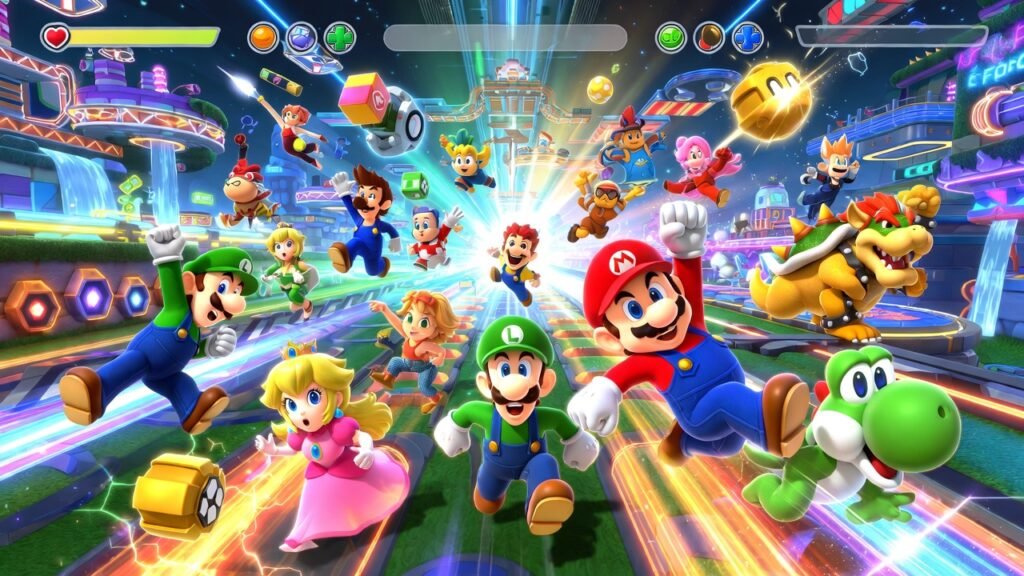
Online and Local Multiplayer Options
Local Multiplayer Setup
Local multiplayer supports multiple controller configurations, accommodating various group sizes and equipment availability. Single Joy-Con play allows maximum participant numbers, while paired controllers provide enhanced control precision for competitive matches.
The game includes accessibility features ensuring players of all skill levels enjoy themselves. Adjustable difficulty settings, optional tutorials, and practice modes help newcomers learn without frustrating experienced friends.
Online Multiplayer Features
Online play brings Super Mario Party Jamboree to global audiences. Matchmaking systems pair players by skill level, creating balanced competitions. Friend lobbies allow private matches with customizable rule sets, while ranked modes provide competitive progression for serious players.
Connection stability remains crucial for smooth online experiences. Wired internet connections minimize lag, and playing during off-peak hours often improves matchmaking speed and connection quality.
Gameplay Deep Dive: Items, Buddies, and Customization
Powerful New Board Items
Items can turn the tide of a game. Jamboree introduces powerful new tools:
- Skeleton Key: Allows a player to unlock and take a shortcut path normally reserved for specific events or character actions.
- Creepy Dice: Lets you choose your next roll number, but at a potentially nasty cost (like losing coins). It’s a high-risk, high-reward gamble.
Jamboree Buddies System
Building on the “Buddy” system from Super Mario Party, Jamboree Buddies are characters you can recruit on the board. When you land on a Buddy space, you befriend that character. Having more buddies in your party can provide bonuses, like extra coin income or protection from harmful spaces, adding a light strategy layer to your alliances.
Unprecedented Customization
For the first time, players can customize the core rules of a party to an impressive degree:
- Game Length: Set the number of turns (10, 15, 20, or 30).
- Bonus Stars: Choose which bonus stars are awarded at the end (like Most Coins, Most Minigames Won, etc.).
- House Rules: Adjust coin penalties, item availability, and even minigame frequency. This lets you tailor the experience for a quick, casual game or a lengthy, strategic showdown.
Advantages and Disadvantages
The Pros: Why Jamboree Excels
- Unmatched Scale: The 20-player mode and 110+ minigames offer incredible value and replayability.
- Perfect for All Audiences: Its simple core mechanics make it the ultimate family and friends game.
- Deep Online Integration: Full online board play is a game-changer for the series.
- Strategic Depth: Customization, unique dice blocks, and powerful items allow for meaningful player agency.
- Nostalgia & Novelty: A perfect blend of classic minigames and exciting new content.
The Potential Cons: Considerations to Keep in Mind
- The Luck Factor: As with all Mario Party games, a bad string of dice rolls or a late-game Bowser event can feel unfairly punishing to strategic players.
- Online Dependency: To experience the full 20-player Koopathlon, a stable internet connection and a Nintendo Switch Online subscription are required.
- Potential for Repetition: While vast, the board game loop itself is familiar. Those who never enjoyed the core formula may not be converted.
Common Mario Party Myths and Mistakes
- Myth: The game is all luck, no skill.
Reality: While luck is a major factor, skill dominates the minigames (which award most coins), and strategic use of items, dice blocks, and board movement creates a significant skill gap between novice and expert players. - Mistake: Always buying the most expensive item.
Reality: Sometimes, a well-timed Mushroom (for an extra dice roll) or a Skeleton Key to snatch a star is more valuable than saving for a costly Golden Pipe. Context is king. - Myth: You must win every minigame to win the board.
Reality: Consistency is key. Winning a few minigames and playing a smart board game—focusing on star acquisition and coin management—is often more effective than being a minigame champion who makes poor movement choices.
Advantages of Super Mario Party Jamboree
Content Volume: The 110+ minigame collection ensures incredible variety that prevents repetition even during marathon sessions.
Accessibility: Simple controls and adjustable difficulty make the game welcoming for all ages and skill levels.
Innovation: Koopathlon and Bowser Kaboom Squad introduce fresh mechanics that expand beyond traditional Mario Party formulas.
Replayability: Multiple game modes, extensive unlockables, and online play provide reasons to return long after initial purchase.
Social Experience: The game excels at bringing people together, whether locally or online, creating memorable shared moments.
Disadvantages to Consider
Learning Curve for New Modes: While individual minigames remain accessible, modes like Koopathlon require time to fully understand and appreciate.
Online Connectivity Requirements: Some features require stable internet connections, potentially limiting players in areas with poor connectivity.
Controller Limitations: Certain minigames work better with specific controller configurations, occasionally disadvantaging players using single Joy-Cons.
RNG Elements: Luck-based mechanics, while part of Mario Party’s identity, occasionally frustrate competitive players seeking skill-based outcomes.
Common Mistakes to Avoid
Ignoring Board Strategy
Many players focus exclusively on minigame performance while neglecting board positioning and item management. Success requires balancing both elements, as strong board play compensates for occasional minigame losses.
Poor Item Timing
Using powerful items immediately rather than saving them for crucial moments wastes their potential impact. Learn to recognize when items provide maximum value, especially during final turns when strategic item use often determines winners.
Neglecting Character and Buddy Selection
While characters don’t affect mechanics, Jamboree Buddies significantly impact board strategy. Selecting buddies randomly rather than matching them to your playstyle or board characteristics leaves advantages unexploited.
Underestimating Cooperative Modes
Players approaching Bowser Kaboom Squad with competitive mindsets struggle unnecessarily. These modes require genuine cooperation and communication, rewarding teamwork over individual excellence.
Expert Tips and Best Practices
Practice diverse minigames rather than specializing in favorites. Random selection in most modes means versatility provides consistent advantages over specialized skill.
Watch experienced players through online replays and tournaments. Observing high-level strategy reveals techniques and approaches that aren’t immediately obvious during casual play.
Communicate actively during team modes. Simple callouts about star locations, item availability, and buddy ability status dramatically improve team coordination and success rates.
Experiment with different Jamboree Buddies across various boards. Each combination creates unique strategic opportunities, and discovering synergies provides competitive edges.
Manage your dice rolls strategically. Understanding probability and risk-reward calculations for different dice types improves consistency and helps avoid costly mistakes.
Comparison: Super Mario Party Jamboree vs. Previous Entries
| Feature | Jamboree | Superstars | Super Mario Party |
|---|---|---|---|
| Minigame Count | 110+ | 100+ | 80 |
| Max Players (Single Mode) | 20 | 4 | 4 |
| Online Play | Full Support | Board + Minigames | Limited |
| Character Roster | 20+ | 10 | 20 |
| Unique Modes | Koopathlon, Kaboom Squad | Classic Boards | River Survival |
| Jamboree Buddies | Yes | No | No |
Expert Tips for Dominating the Jamboree
- Know Your Character’s Dice: Study your character’s unique dice block. Need consistent movement? Choose a character with a low-variance block (like 1-3-3-3-5-6). Feeling risky? Pick a character with a chance to roll a 10.
- Coin Management is Everything: Always keep at least 20 coins if possible. This lets you purchase a star immediately if you land on a Star Space. Don’t spend frivolously on cosmetic or low-impact items.
- Master the Minigame Categories: Pay attention to whether the next minigame is a 1-vs-3, 2-vs-2, or team battle. In team games, communication (even non-verbal) with your partner is crucial.
- Use the Skeleton Key Strategically: Don’t just use it on any shortcut. Save it for a path that leads directly to a Star Space or allows you to bypass a dangerous stretch controlled by opponents.
- Adapt to Bowser: When the Bowser Kaboom Squad appears, don’t panic. If you’re in the lead, prepare for potential setbacks. If you’re behind, see it as a golden opportunity for the leaders to be pulled back to the pack.
Conclusion
Super Mario Party Jamboree establishes itself as the definitive party game experience on Nintendo Switch. The massive minigame collection, innovative 20-player Koopathlon mode, and refined board game mechanics create endless entertainment possibilities for players of all ages and skill levels.
Super Mario Party Jamboree is more than just another sequel; it’s a culmination. It takes everything that has worked in the franchise’s past and amplifies it to a celebratory scale. The addition of a robust 20-player online mode, a staggering library of minigames, and deep customization options addresses nearly every fan request.
Whether you’re planning a chaotic family game night, an online tournament with distant friends, or a solo session to practice minigames, Jamboree is built to deliver endless co-op fun and competition. It embraces the chaotic, luck-driven heart of the series while providing players more tools than ever to shape their own party experience.
The ultimate takeaway is this: if you own a Nintendo Switch and enjoy sharing laughs, cheers, and friendly groans with others, Super Mario Party Jamboree is poised to become an essential part of your game library. It’s the virtual party you can start anytime, anywhere.
Whether you’re hosting casual family gatherings or competitive sessions with friends, the game’s variety ensures everyone finds modes matching their preferences. The combination of accessibility and depth makes it equally appealing to newcomers and series veterans.
Start exploring the extensive content today, experiment with different modes and strategies, and discover why Super Mario Party Jamboree represents the series at its absolute best. The party is just getting started.
Frequently Asked Questions
Q1: How many players can play Super Mario Party Jamboree locally on one Nintendo Switch?
A: Up to 4 players can play on a single Nintendo Switch console using Joy-Con controllers or Pro Controllers for the traditional board game and minigame modes.
Q2: How many minigames does Super Mario Party Jamboree include?
A: Super Mario Party Jamboree features over 110 minigames, making it the largest collection in the franchise’s history. These span multiple categories including free-for-all, team battles, duels, and rhythm challenges.
Q3:Can I play the 20-player Koopathlon mode locally?
A: No, the Koopathlon is designed as an online-only mode due to its massive scale. Local play focuses on the standard board game and standard minigame modes for 1-4 players.
Q4:Can you play Super Mario Party Jamboree online with friends?
A: Yes, the game offers comprehensive online multiplayer support. You can play with friends through private lobbies or join public matchmaking for both board games and minigame collections.
Q5: Do I need a Nintendo Switch Online subscription to play?
A: Yes, a subscription is required for all online multiplayer features, including the 20-player Koopathlon and online board games with friends or matchmaking.





Introduction:
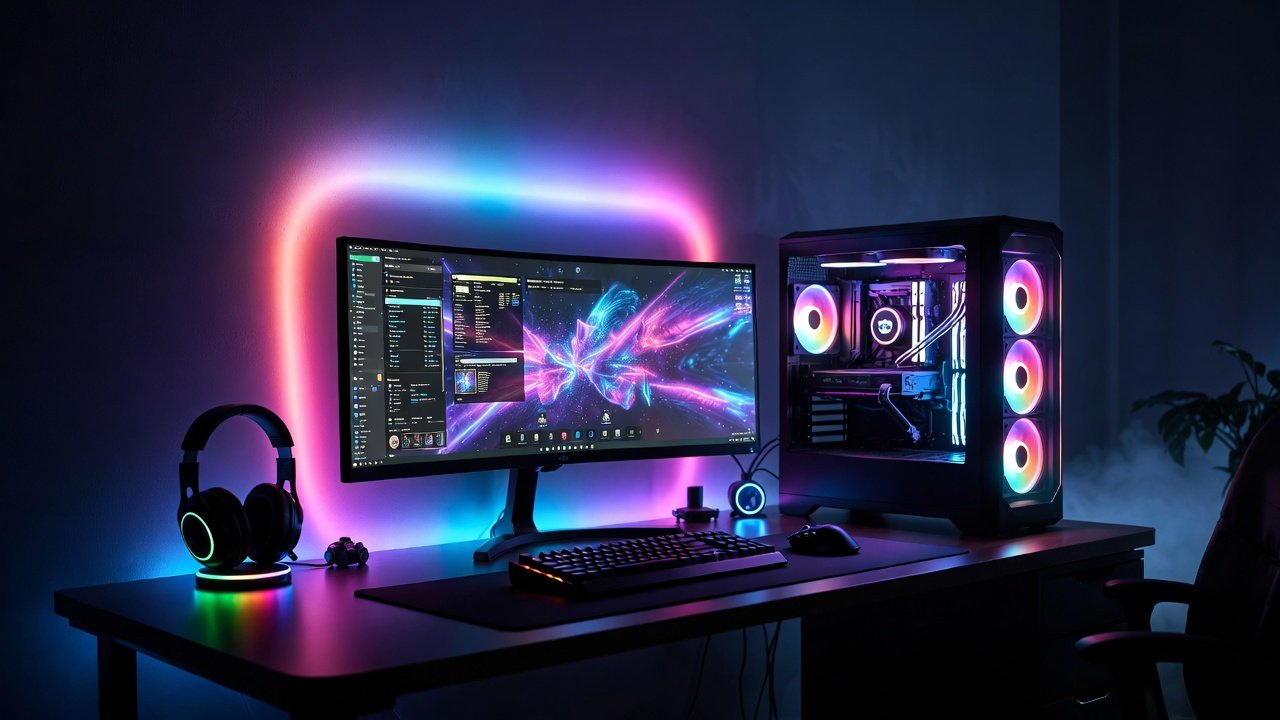
A minimal RGB gaming desk setup gives you the best of both worlds: clean, distraction‑free ergonomics with just enough lighting to feel immersive and modern. Instead of a cluttered, nightclub-style battlestation, you get a calm space that works for gaming, work, and content creation.
In 2026, this style fits perfectly with popular titles like GTA 6, Valorant, Call of Duty, and Fortnite, where focus and visibility really matter. At the same time, RGB strips, soft backlighting, and synced peripherals still create that satisfying gaming vibe without looking messy.
In this guide, you’ll learn how to build a minimal RGB gaming desk setup, even in a small room or on a budget, with practical layouts, lighting ideas, and real‑world examples.
What Defines a Minimalist RGB Gaming Desk Setup?
A minimalist setup isn’t just an empty desk; it is a curated space where every item serves a purpose. When you add RGB into the mix, the goal is to use light as an architectural element rather than a chaotic distraction.
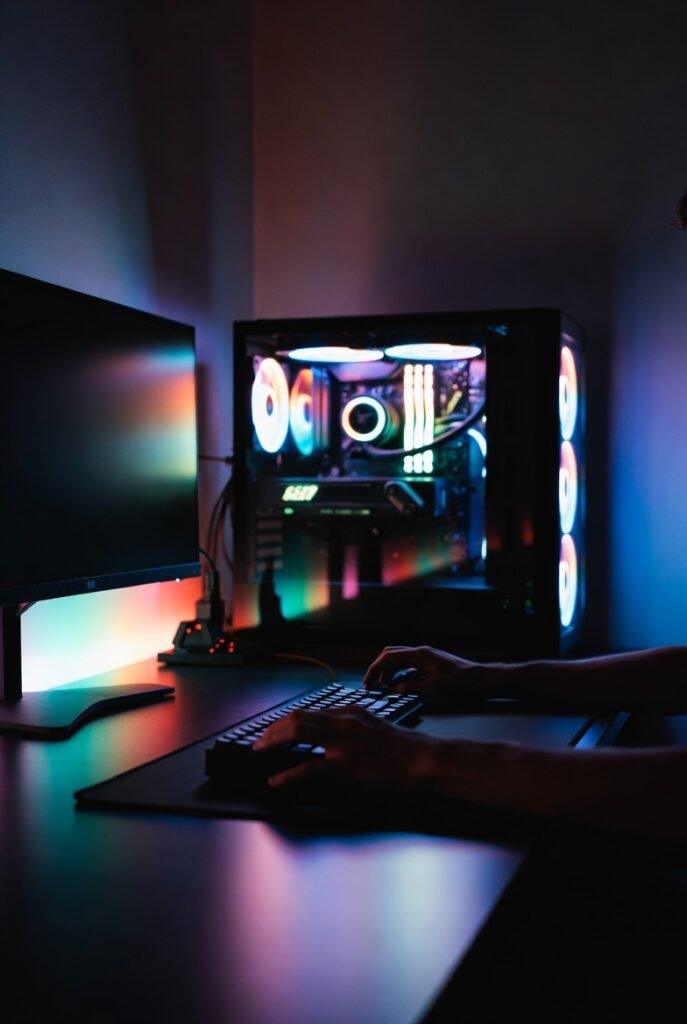
In 2026, the best minimal RGB gaming desk setup ideas focus on “hidden” lighting. Instead of visible LED strips that sting the eyes, we look for diffused glows that emanate from behind monitors or under the desk surface. This creates a floating effect that feels modern and premium.
The Core Pillars of Minimalism in Gaming
- Decluttered Surface: Only the essentials (mouse, keyboard, monitor) stay on top.
- Intentional Color Palettes: Sticking to one or two primary colors rather than a “rainbow vomit” effect.
- Cable Management: Hidden wires are the hallmark of a professional-grade setup.
- Quality Over Quantity: Investing in a few high-quality peripherals instead of dozens of cheap accessories.
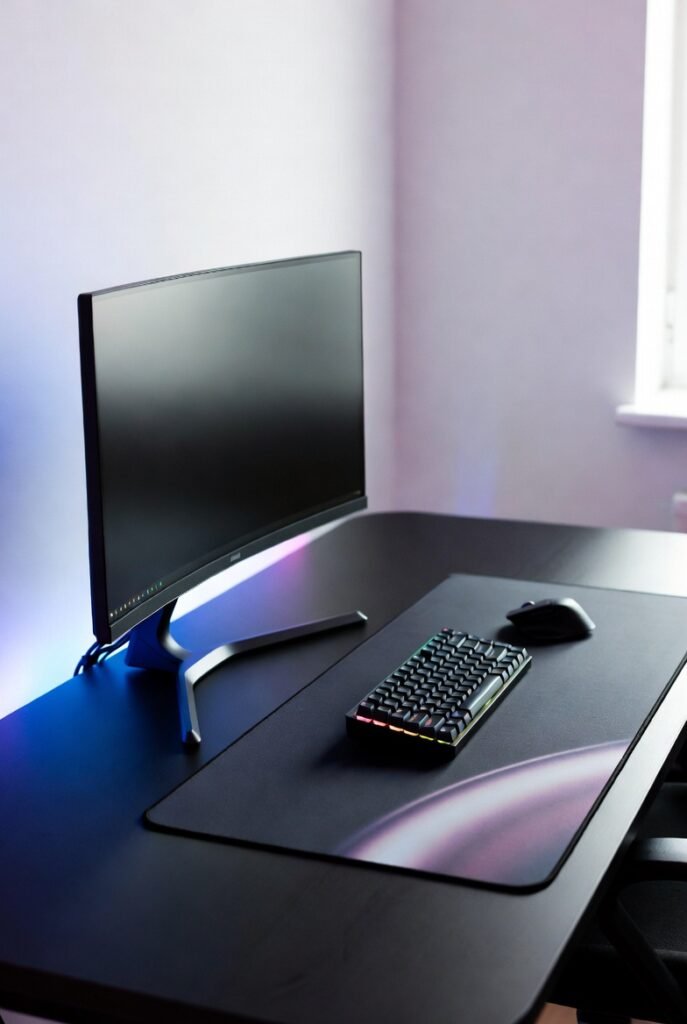
15 Best Minimal RGB Gaming Desk Setup Ideas
1. The “Under-Glow” Floating Desk
Mount your desk to the wall (floating style) and run a high-density RGB strip along the back edge. By reflecting the light off the wall, you create a deep ambient glow that makes the desk appear to hover.
2. The Monochrome Cyberpunk Theme
Stick to a strictly black-and-white hardware theme. Use a single RGB accent color—like neon violet or ice blue—to provide a futuristic contrast. This is a staple for modern minimalist rgb gaming desks.
3. The Natural Wood and Warm RGB Blend
Contrast a walnut or oak butcher block desk with warm white or amber RGB lighting. This “Japandi” gaming style is incredibly popular in 2026 for those who use their gaming space for productive work during the day.
4. The Ultrawide Single-Monitor Setup
Nothing says minimalism like a single 34-inch or 49-inch ultrawide monitor. Use a monitor arm to clear desk space and attach an RGB light bar to the back of the screen for an immersive bias-lighting effect.
5. The “Hidden PC” Approach
Small Form Factor (SFF) cases are a gamer’s best friend. Mount your PC under the desk or hide it behind a monitor. Use internal RGB components to cast a subtle glow through the ventilation holes rather than having a massive glowing tower on the desk.
6. The 60% Keyboard and Wireless Mouse Combo
Eliminating wires is the fastest way to achieve a clean rgb gaming desk setup. A wireless 60% mechanical keyboard with subtle per-key RGB looks incredibly sharp against a large, dark desk mat.
7. Symmetry-Based Design
Place your speakers, PC, and lighting elements in a perfectly symmetrical layout. Use dual RGB towers on either side of the monitor to frame your field of vision.
8. The Vertical Secondary Monitor
For streamers or Discord users, a vertical secondary monitor saves horizontal space. Add a slim RGB strip to the outer edge of the vertical screen to balance the lighting across your peripheral vision.
9. Nano-Leaf Wall Integration
Instead of lighting the desk, use the wall. Minimalist geometric light panels (like Nanoleaf or Govee) can be arranged in a simple line or triangle to provide the room’s primary light source.
10. The Pegboard Organizer with Integrated LEDs
Use an IKEA Skådis pegboard to hold your controllers and headphones. Thread an RGB strip around the frame of the pegboard to turn your storage into a piece of glowing wall art.
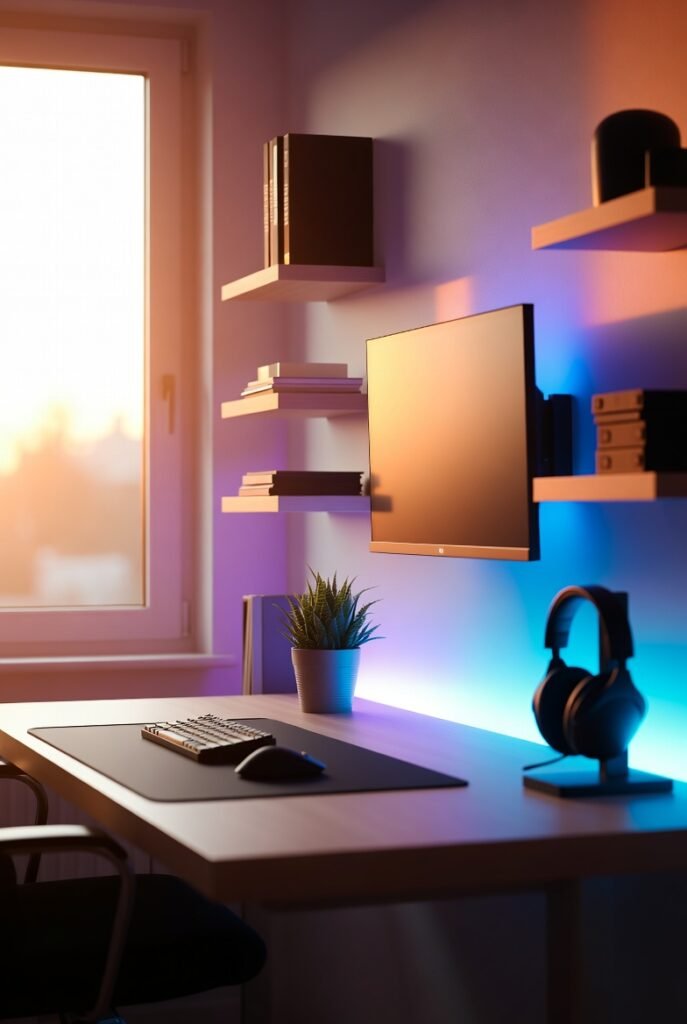
11. Minimalist RGB Gaming Setup for Small Rooms
If you’re tight on space, use a 40-inch desk and a monitor light bar. Light bars sit on top of your monitor and illuminate your desk surface without taking up any footprint, providing a clean, functional glow.
12. The “Dark Mode” Aesthetic
Use a matte black desk, black 3D wall panels, and deep red or forest green RGB. This creates a moody, “stealth” environment that is perfect for late-night gaming sessions in Call of Duty or GTA 6.
13. Smart Home Integration
Sync your desk RGB with your smart home system. Set a “Gaming Mode” that dims the room lights, closes the smart blinds, and activates your desk’s RGB setup with a single voice command.
14. The Glass Top Reflection
A glass-top desk can reflect the RGB from your keyboard and mouse, doubling the light intensity without adding more strips. Note: This requires impeccable cable management as everything is visible.
15. The Hidden LED Channel
Use aluminum LED channels with frosted diffusers. Instead of sticking strips directly to the desk, these channels create a professional, smooth line of light that looks like it’s built into the furniture.
Essential Hardware for a Minimalist RGB Setup
To pull off these ideas, you need the right components. Below is a comparison of the key elements required for a budget minimal rgb gaming desk setup versus a premium one.
Setup Comparison Table
| Feature | Budget Minimalist Setup | Premium Minimalist Setup |
| Desk | IKEA Linnmon / Lagkapten | Fully Jarvis / Secretlab Magnus Pro |
| Lighting | Standard 5V RGB Strips | Philips Hue / Govee AI Sync |
| Keyboard | Wired 60% RGB Keyboard | Wireless Custom Mechanical (Aluminum) |
| Mouse | Wired Lightweight Mouse | Logitech G Pro X Superlight 2 |
| Cable Mgmt | Velcro Straps & J-Hooks | Integrated Magnetic Trays |
| Monitor Mount | Basic Gas Spring Arm | Premium Dual-Screen Hidden Mount |
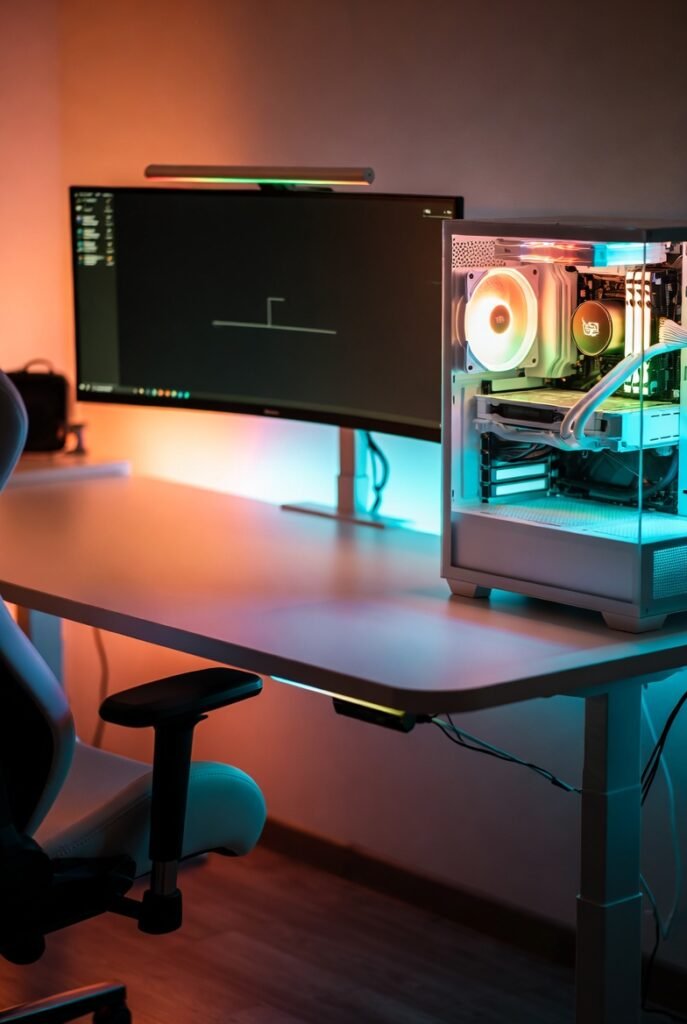
Advantages and Disadvantages of Minimalist RGB Setups
Advantages
- Reduced Distractions: A clean desk helps you stay “in the zone” during competitive play.
- Easier Maintenance: Fewer items on the desk mean dusting and cleaning take minutes, not hours.
- Professional Versatility: A minimal setup easily transitions from a gaming station to a professional home office for Zoom calls.
- Better Airflow: Less clutter around your PC allows for better heat dissipation.
Disadvantages
- Cable Management Difficulty: Minimalist setups provide nowhere to hide wires, requiring significant time to route them perfectly.
- Higher Initial Cost: High-quality wireless peripherals and clean-looking furniture often cost more than standard gear.
- Rigidity: Once a setup is “perfected,” adding new gear can disrupt the aesthetic balance.
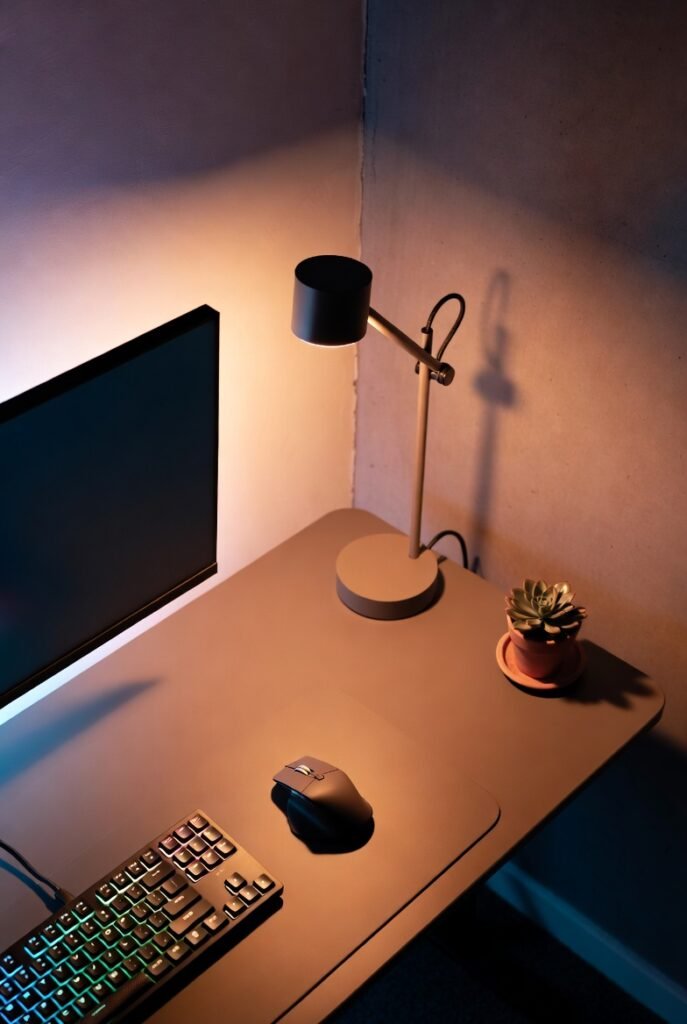
Common Mistakes and Myths
Myth: Minimalism Means No RGB
Reality: Minimalism is about restraint, not absence. You can have 10 different RGB sources as long as they are hidden or diffused and follow a consistent color theme.
Mistake: Neglecting the “Backside”
Many people focus on the front of the desk but leave a “spaghetti monster” of cables underneath. In a minimal setup, if the cables are visible under the desk, the entire aesthetic is ruined. Use a cable management tray or “sleeves” to group wires together.
Mistake: Mixing Too Many Software Eco-systems
Having Razer mouse software, Corsair keyboard software, and Govee light software can bloat your PC’s performance. In 2026, try to use a single “Open RGB” software or stick to one brand to ensure all lights sync perfectly.
Expert Tips for the Ultimate Clean Look
- Drill Through the Desk: If you have a dedicated desk, drill a small hole directly under your keyboard to route the cable. Cover it with your desk mat.
- Use a Desk Mat: A large, high-quality desk mat ties the entire setup together. It acts as an anchor for your mouse and keyboard.
- Color Temperature Matters: For a truly aesthetic rgb gaming desk setup, use a “Warm White” (3000K) for your room lighting and a contrasting “Cool Color” for your RGB. This creates depth in photos and videos.
- Monitor Arms are Mandatory: Replacing the bulky plastic stand that comes with your monitor with a sleek metal arm is the single biggest “minimalist” upgrade you can make.
Conclusion: Less Stuff, More Play
Creating the best minimal RGB gaming desk setup is a journey of refinement. By focusing on diffused lighting, wireless peripherals, and strict cable management, you can build a sanctuary that looks as good as it performs. Remember, the goal is to enhance your gaming experience, not to create a space that feels too clinical to actually use. Start with the basics—a clean desk and one light source—and build your dream setup one intentional piece at a time.
Actionable Takeaway: Start your minimalist journey today by removing three items from your desk that you haven’t used in the last week. Then, invest in a single 5-meter RGB strip for bias lighting behind your monitor.

2026 Updated
best gaming laptop for GTA 6
Xbox Cloud Gaming vs PS Cloud
Valorant 2026 pro settings guide
top VR headset 2026 review
GTA 6 how to unlock features
competitive FPS settings US gamers
Frequently Asked Questions (FAQ)
1. How do I hide cables in a minimal gaming setup?
Use a combination of under-desk cable trays, J-channels, and Velcro ties. For cables running up to the monitor, use braided cable sleeves to group them into a single “trunk.”
2. What is the best desk for a minimalist gaming setup?
The IKEA Karlby butcher block paired with Alex drawers remains a classic, but the Secretlab Magnus Pro is currently the gold standard for minimalist setups due to its integrated power supply and magnetic cable management.
3. Can I have a minimal setup with a large gaming PC?
Yes. The trick is to place the PC on a separate side-table or on the floor (on a stand) to keep the main desk surface clear. Alternatively, use a case with a clean, tempered glass side panel to make the PC look like a piece of art.
4. What RGB colors are best for focus?
Deep blues and greens are known to be less distracting and more calming. Avoid flashing or “breathing” patterns during competitive gaming, as the movement can catch your eye and ruin your focus.
5. Are wireless gaming mice as fast as wired ones in 2026?
Absolutely. Modern wireless technology (like Logitech’s Lightspeed or Razer’s Hyperspeed) has reached a point where latency is identical to, or even lower than, many wired mice.
6. How much does a minimal RGB setup cost?
A basic setup can be achieved for $200–$300 (excluding the PC) by using budget-friendly IKEA furniture and DIY cable management. High-end setups can easily exceed $2,000 for premium motorized desks and synced lighting ecosystems.
🔥 2026 Trending Games
GTA 6 🔥🔥🔥
- Call of Duty 2026
- Fortnite Chapter updates
- Valorant new agents
- EA Sports FC updates
- Minecraft AI mods
- Roblox creator economy
Cloud Gaming
- Xbox Cloud Gaming
- NVIDIA GeForce NOW
- PlayStation Cloud
- “No Console Gaming” trend
Gaming Hardware & Accessories
- Gaming laptops (RTX 4070/4080)
- Gaming monitors (240Hz / OLED)
- Mechanical keyboards
- VR headsets
Game Development / AI in Gaming
- AI NPCs
- Unreal Engine 5
- Game mods using AI
- “How AI is changing gaming”
- Esports & Competitive Gaming
- Valorant / CS2 / Fortnite esports
- Tournament prize pools
- Pro player setup
- iOS games updates
- Gacha games
- Strategy games
Gaming Subscriptions & Services
- Xbox Game Pass
- PlayStation Plus
- Ubisoft+
Gaming Security
- Account hacking
- Anti-cheat systems
- Game ban appeals
Leave a Reply
Related Post:
https://lyallpurgamezone.site/what-are-the-best-240hz-gaming-monitors-for-2026
https://lyallpurgamezone.site/10-reasons-why-pc-is-better-than-console
https://lyallpurgamezone.site/what-are-the-best-strategies-to-lower-gaming-ping
https://lyallpurgamezone.site/guide-to-the-best-gaming-ssds-gen4-vs-gen5-tested
https://lyallpurgamezone.site/how-to-create-a-1000-gaming-pc-for-2026
https://lyallpurgamezone.site/ultimate-top-7-ps6-specs-leaks-you-need-to-know

Introduction:
Your crosshair is one of the most important settings in Valorant. A clean, well‑tuned crosshair helps you see enemies clearly, line up headshots quickly, and stay consistent in ranked matches.
In 2026, many pro players use specific crosshair codes that you can copy directly into your game. These codes give you access to tried‑and‑tested setups without hours of trial and error.
This guide breaks down the best Valorant crosshair codes for 2026, including pro settings, small dot headshot machines, and beginner‑friendly options. You’ll also learn how to import codes, avoid common mistakes, and adjust settings to match your playstyle.
How Valorant Crosshair Codes Work
What Is a Valorant Crosshair Code?
Valorant lets you save and share crosshairs using a compact code string. When you paste this code into the crosshair settings, the game automatically recreates the exact shape, color, and style.
Each code controls settings like:
- Color (cyan, green, white, etc.)
- Inner and outer line length and thickness
- Center dot on or off
- Outlines and opacity for visibility on all maps
This system is also the backbone of every major Valorant crosshair database and crosshair generator site online.
How to Import a Crosshair Code in Valorant
To use any of the crosshair codes in this article, follow these steps:
- Open Valorant and go to Settings.
- Click the “Crosshair” tab.
- At the top, click the crosshair profile drop‑down and select “Import Profile Code”.
- Paste the code, then click “Import”.
- Select the new profile to start using it immediately.
You can save multiple crosshairs and quickly switch between them depending on your role or mood.
Top 5 Best Valorant Crosshair Codes You Need to Try (2026)
Below are five high‑impact, battle‑tested crosshair codes you should test in 2026. They cover TenZ’s famous setup, a small dot crosshair, a clean beginner crosshair, a pro box/cross, and a versatile all‑rounder.
Note: Codes may appear slightly different on some monitors, so always tweak color and thickness to your own visibility preference.
1. TenZ Valorant Crosshair Code (Pro Favorite in 2026)
TenZ’s crosshair is one of the most copied in Valorant because it strikes a strong balance between visibility and precision. It’s a small, tight cross that works extremely well for headshots and flicks.
- Style: Minimalistic small cross
- Great for: Duelists, aim‑heavy roles, aggressive entry fraggers
- Crosshair code (popular 2026 variant):
This code uses a bright color and limited gap to keep your focus exactly where bullets land, which is ideal if you’re confident with your aim and want a pro‑level feel.
2. Best Small Dot Crosshair for Headshots
Small dot crosshairs are extremely popular among high‑level players who want a precise reference point for tapping and bursting. A good small dot makes it very easy to see exactly where your first bullet will land.
- Style: Tiny center dot, no distracting lines
- Great for: Riflers focused on one‑taps, disciplined spray control
- Example dot crosshair codes:
- Square dot (white):
0;P;o;1;d;1;z;4;0b;0;1b;0 - Round dot (white):
0;s;1;P;h;0;d;1;z;3;f;0;0t;3;0l;1;0o;1;0a;1;0f;0;1t;0;1l;0;1o;0;1a;0;1f;0
- Square dot (white):
Community feedback suggests keeping the dot only as big as your bullet tracer and using a high‑contrast color (yellow or green) for the best visibility on all maps.
3. Beginner‑Friendly Clean Crosshair (Safe, Clear, and Forgiving)
If you’re new to Valorant or FPS games, you don’t need an ultra‑tiny or flashy crosshair. A simple, slightly larger cross with a clear center makes it much easier to track enemies and learn crosshair placement.
- Style: Medium‑sized cross, no center dot, clear gap
- Great for: Beginners and casual players, those still learning recoil and movement
- Example beginner‑type pro crosshair (inspired by popular pro setups):
0;P;h;0;0l;4;0o;0;0a;1;0f;0;1b;0(used by multiple pros as a simple, visible cross)
This kind of crosshair is forgiving and works well at most ranges. You can always shrink it over time as your aim improves.
4. Pro Box / Compact Crosshair (For Consistent Rifling)
Many pros use tight, boxed crosshairs with short lines and minimal outer extensions. These crosshairs are very stable and help you focus on the enemy’s head rather than on your UI.
- Style: Small, compact cross with short lines
- Great for: Consistent rifling, disciplined peeking, anchor roles
- Example pro‑style codes from current lineups:
These crosshairs shine when you hold angles or swing for precise duels. They stay visible but do not block vision around the target.
5. Flexible All‑Rounder Crosshair (Good for Every Role)
If you like swapping roles or agents—Duelist one game, Controller the next—you want a crosshair that works in almost every situation. A slightly brighter, medium‑small cross with a visible outline is a strong all‑round choice.
- Style: Medium‑small, clear edges, strong color contrast
- Great for: Flex roles, ranked grinders, those who play multiple agents
- Example pro‑inspired flexible crosshair:
This setup remains visible even in smoke edges, bright backgrounds, and chaotic fights while still offering enough precision for crisp headshots.
Comparison of the Top 5 Valorant Crosshair Codes
| Crosshair type | Main use case | Difficulty to use | Ideal players |
|---|
Why Your Valorant Crosshair Settings Matter
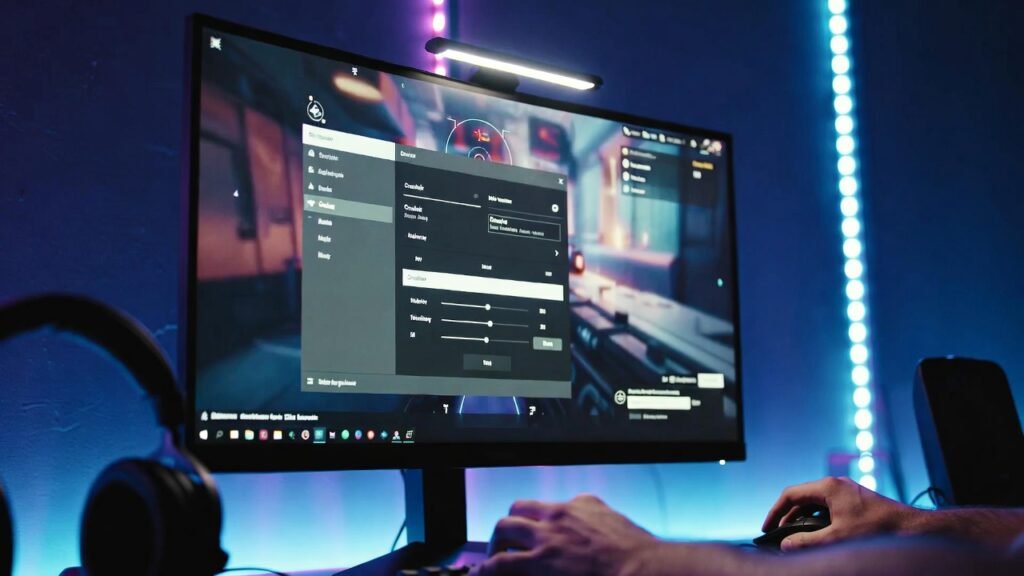
Before we dive into the specific codes, it is essential to understand why players constantly tweak their Valorant crosshair settings. Your crosshair provides the visual feedback necessary for “center-screening”—the ability to keep your eyes focused on where the enemy’s head will appear.
- Visual Clarity: Pro players often use “Cyan” or “Green” because these colors rarely appear in the game’s environment, making the reticle easier for the brain to track.
- Precision vs. Tracking: Smaller crosshairs (like the small dot crosshair Valorant code) are superior for long-range taps, while slightly larger “cross” styles help with spray control and tracking moving targets like Neon or Jett.
- E-E-A-T in Aiming: Reliability and consistency are key. By using a Valorant crosshair database of pro settings, you are adopting configurations that have been tested under the highest pressure imaginable.
1. TenZ Valorant Crosshair Code (The Classic Cyan)
Even in 2026, the TenZ Valorant crosshair code remains the most sought-after configuration in the community. Known for his “human aimbot” mechanics, TenZ prefers a small, cyan-colored cross that offers a perfect balance between visibility and precision. It is small enough to hit long-range headshots on Haven’s C-long but visible enough to track during a chaotic frenzy.
- The Code:
0;s;1;P;c;5;h;0;m;1;0l;3;0o;0;0a;1;0f;0;1b;0;S;c;5;o;1 - Why it works: The lack of a center gap means you have a solid point of reference for every shot.
2. Aspas “The King of Tracking” Crosshair
As one of the world’s best duelists, Aspas uses a minimalist setup designed for aggressive entry-fragging. If you play high-mobility agents, this is the best Valorant crosshair for headshots while moving or counter-strafing. It uses a thin profile that doesn’t “bloom” or distract you during high-speed engagements.
- The Code:
0;s;1;P;o;1;d;1;0b;0;1b;0;S;c;0 - Why it works: High contrast and a tight center point allow for “snap” aiming, which is vital for flicking to corners.
3. The “Small Dot” Precision Crosshair
The small dot crosshair Valorant code has seen a massive resurgence in 2026. This style is preferred by “aim purists” who want zero obstruction. If you find that traditional lines distract you from seeing the enemy’s head, the dot is your best friend.
- The Code:
0;P;c;1;o;1;d;1;0b;0;1b;0(Green Dot) - Why it works: It forces you to be incredibly precise. If the dot is on the pixel, the shot lands. It is widely considered the best choice for Vandal users who prioritize first-bullet accuracy.
4. Demon1 “World Champion” Settings
Demon1’s rise to the top was fueled by his calm, robotic aim. His crosshair reflects this—it is simple, white, and small. It is often cited as the best Valorant crosshair for beginners who want to emulate pro habits without the visual clutter of more complex “circle” or “hollow” designs.
- The Code:
0;s;1;P;o;1;d;1;m;1;0b;0;1b;0 - Why it works: The white color with black outlines makes it visible on every map, from the snowy dunes of Icebox to the bright sun of Sunset.
5. ZmjjKK (KangKang) “The Operator” Crosshair
For those who primarily use the Operator or want a crosshair that feels “snappy” on snipers, the EDG superstar ZmjjKK offers a unique configuration. This crosshair is slightly more “open” than TenZ’s, providing a better view of the target area within the reticle.
- The Code:
0;P;h;0;d;1;f;0;0l;2;0v;2;0g;1;0o;1;0f;0;1b;0 - Why it works: It provides a great “frame” for the enemy model, making it easier to time your shots when an enemy peeks into your line of sight.
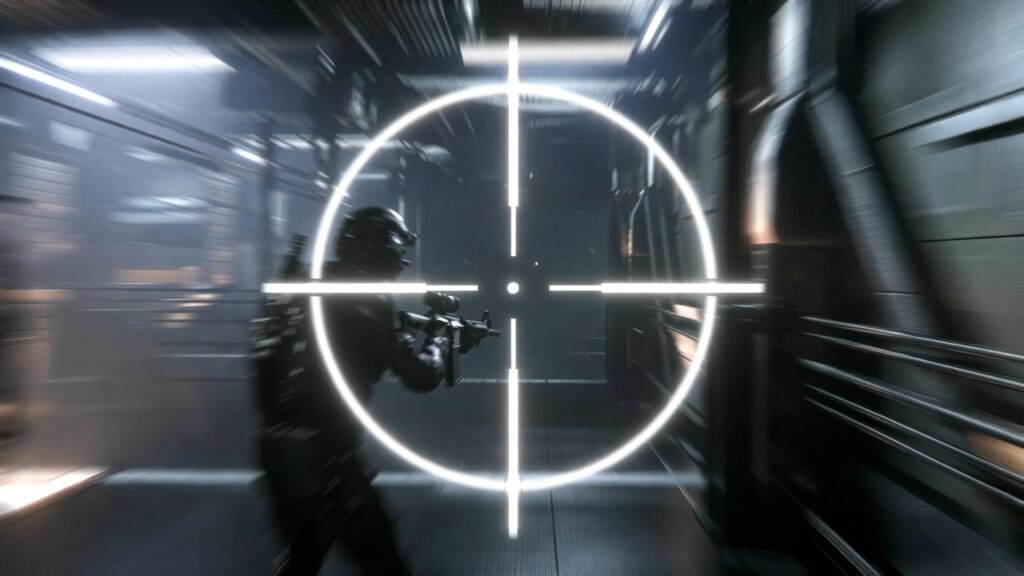
Comparison Table: Top 5 Valorant Crosshairs 2026
| Player/Style | Color | Type | Best For | Code Snippet |
| TenZ | Cyan | Small Cross | All-around / Rifling | 0;s;1;P;c;5;h;0;m;1... |
| Aspas | White | Tight Cross | Entry Fragging | 0;s;1;P;o;1;d;1;0b... |
| Small Dot | Green | Single Pixel | Long-range Taps | 0;P;c;1;o;1;d;1;0b... |
| Demon1 | White | Minimalist | Consistency | 0;s;1;P;o;1;d;1;m... |
| ZmjjKK | White | Open Cross | Sniping/OPing | 0;P;h;0;d;1;f;0;0l... |
Advantages and Disadvantages of Pro Crosshairs
Advantages
- Proven Results: These codes are used by players earning millions in prize money; they are mathematically optimized for the game’s FOV.
- Instant Import: No more fumbling with sliders. The Valorant crosshair generator system allows for 1-click updates.
- Reduced Visual Noise: Most pros disable “Movement Error” and “Firing Error” to keep their screen steady.
Disadvantages
- Subjectivity: A crosshair that works for a 24-inch 540Hz monitor might feel too small on a 27-inch 1440p screen.
- Color Blindness: Some “Pro” colors like Green or Red may not work for everyone.
- Placebo Effect: Changing your crosshair won’t fix bad crosshair placement Valorant habits or poor positioning.
Common Crosshair Myths and Mistakes
Myth 1: A smaller crosshair always means better aim.
Reality: While a tiny crosshair is great for long range, it can be very difficult to see during a chaotic site execute when flashes and smokes are everywhere. Sometimes, a slightly larger crosshair is better for “visual anchoring.”
Myth 2: You must use the same color as the pros.
Reality: Color is the most subjective part of pro Valorant settings. If you struggle to see Cyan on Pearl or Breeze, switch to Magenta or Yellow. High visibility is more important than following a pro exactly.
Mistake: Leaving “Movement Error” On
Most beginners leave movement error on to learn when they are accurate. However, the visual “blooming” of the crosshair can be incredibly distracting. Once you understand the basics of counter-strafing, turn it off for a cleaner view.
Expert Tips for Finding Your Perfect Crosshair
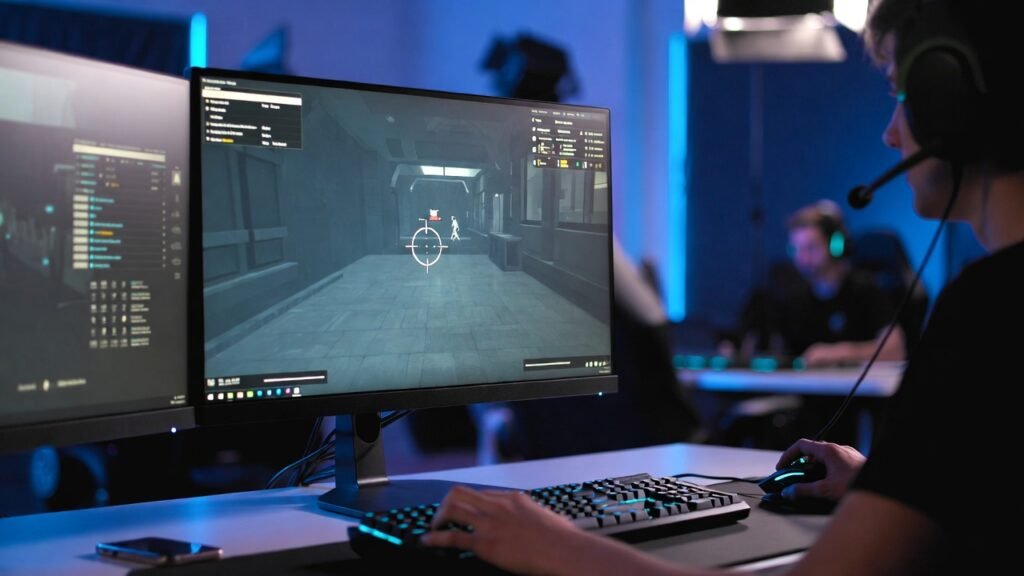
- Use a Valorant Crosshair Database: Don’t just stick to one. Spend 10 minutes in the Range trying five different codes to see which one feels “natural.”
- Test in Deathmatch: Never take a brand-new crosshair into a Competitive match. Test how it feels against moving targets in a low-stakes environment.
- Adjust for Resolution: If you play on “Stretched Res” (e.g., 1280×960), your crosshair will appear wider. You may need to decrease the thickness to compensate.
- Contrast is Key: If you find yourself losing the center of your screen during fights, try adding “Outlines” to your crosshair. It adds a 1-pixel black border that makes any color pop.
Conclusion
Finding the best Valorant crosshair codes is a journey of trial and error, but starting with pro-level settings gives you a massive head start. In 2026, the trend is clearly leaning toward small, static, and high-contrast designs that prioritize headshot accuracy over all else.
Whether you choose the surgical precision of the TenZ Valorant crosshair code or the minimalist efficiency of a dot crosshair, the most important thing is consistency. Once you find a code that feels right, stick with it—building muscle memory is the true secret to ranking up.
Ready to try them out? Copy your favorite code from the list above, head into your Valorant settings, and hit “Import.”
2026 Updated
Xbox Cloud Gaming vs PS Cloud
Valorant 2026 pro settings guide
top VR headset 2026 review
GTA 6 how to unlock features
competitive FPS settings US gamers
FAQ:
1. How do I import a crosshair code in Valorant?
To import a code, go to Settings > Crosshair > Primary. Look for the “Import Profile” icon (a small downward arrow) next to the Crosshair Profile dropdown. Paste the code and click “Import.”
2. What is the best crosshair color for Valorant?
Statistically, Cyan, Green, and Magenta are the best because they have the highest contrast against Valorant’s map textures and character outlines.
3. Does changing my crosshair actually improve my aim?
A better crosshair won’t improve your raw reaction time, but it can improve your visual clarity and confidence, leading to more consistent headshots.
4. Why do pros use such small crosshairs?
Pros have exceptional mouse control. A small crosshair allows them to see more of the enemy’s head, which is crucial for pixel-perfect accuracy at long distances.
5. What is the “Circle” crosshair code?
The hollow circle (often used for training) can be made with: 0;P;c;1;h;0;d;1;z;3;f;0;0t;3;0l;2;0o;2;0a;1;0f;0;1b;0.
6. Can I have different crosshairs for different agents?
Yes! In 2026, Valorant allows you to save multiple profiles. Many players use a different crosshair for “Lineup” agents like Sova or Viper compared to entry duelists like Jett.
🔥 2026 Trending Games
GTA 6 🔥🔥🔥
- Call of Duty 2026
- Fortnite Chapter updates
- Valorant new agents
- EA Sports FC updates
- Minecraft AI mods
- Roblox creator economy
Cloud Gaming
- Xbox Cloud Gaming
- NVIDIA GeForce NOW
- PlayStation Cloud
- “No Console Gaming” trend
Gaming Hardware & Accessories
- Gaming laptops (RTX 4070/4080)
- Gaming monitors (240Hz / OLED)
- Mechanical keyboards
- VR headsets
Game Development / AI in Gaming
- AI NPCs
- Unreal Engine 5
- Game mods using AI
- “How AI is changing gaming”
- Esports & Competitive Gaming
- Valorant / CS2 / Fortnite esports
- Tournament prize pools
- Pro player setup
- iOS games updates
- Gacha games
- Strategy games
Gaming Subscriptions & Services
- Xbox Game Pass
- PlayStation Plus
- Ubisoft+
Gaming Security
- Account hacking
- Anti-cheat systems
- Game ban appeals
Leave a Reply
Related Post:
Introduction:
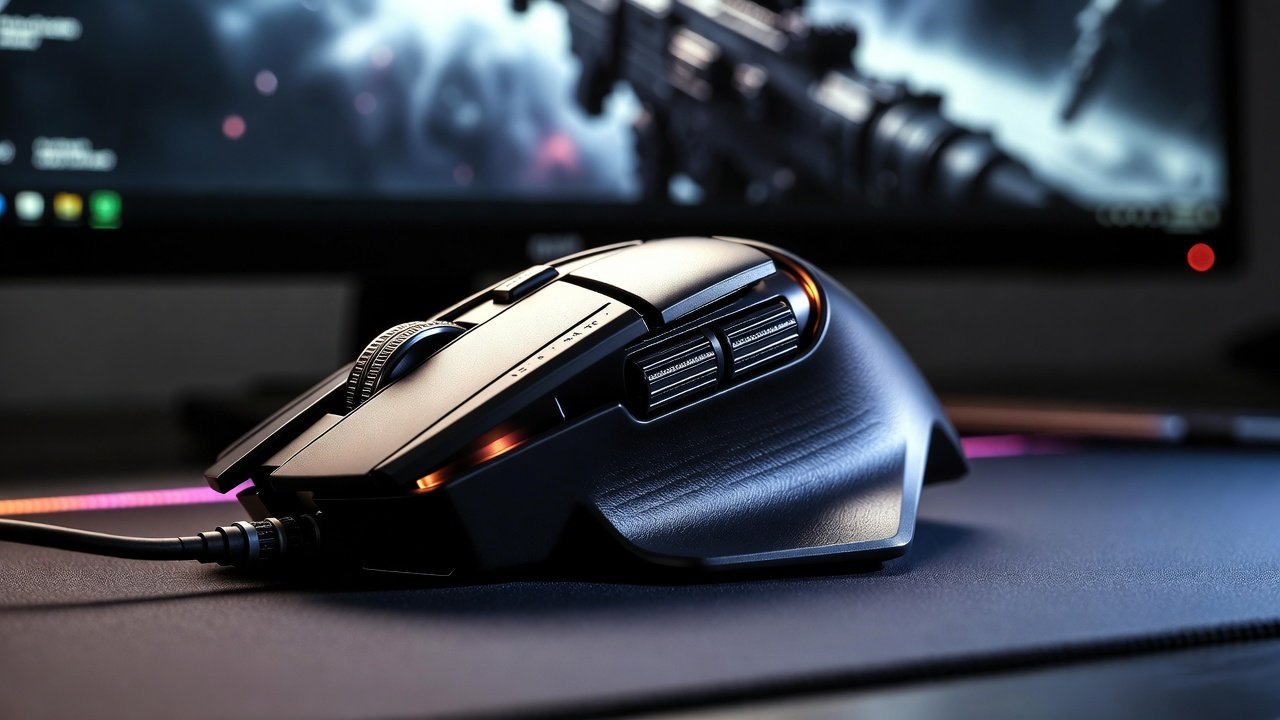
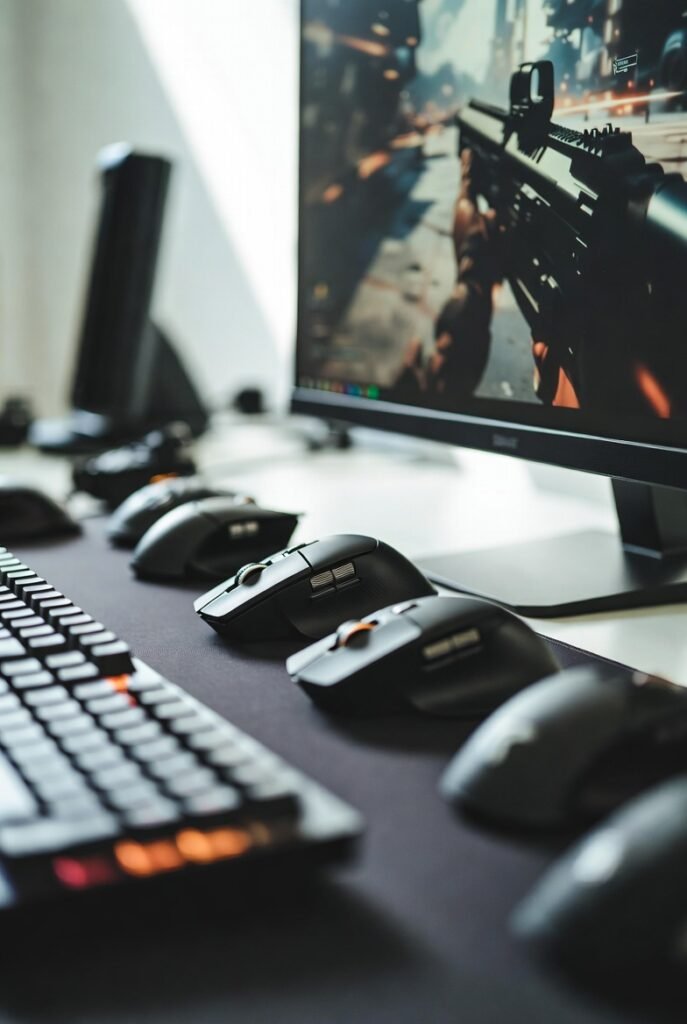
In fast-paced shooters like Valorant, CS2, Call of Duty 2026, and Fortnite, your mouse is the most important piece of esports gaming gear after your monitor.
A good FPS gaming mouse can reduce latency, improve tracking, and give you the consistency you need to hit precise headshots.
However, the “best gaming mouse for FPS” is not the most expensive one; it is the one that fits your hand, grip style, and preferred sensitivity.
This 2026 FPS mouse buying guide will walk you through DPI, weight, sensor, polling rate, wired vs wireless, and the exact settings many pro players use so you can make a confident choice.
Core Features of a Great FPS Gaming Mouse
Sensor: The Heart of an FPS Mouse
For competitive FPS games, you should always choose a mouse with a high-end optical sensor.
Modern flagship sensors from brands like Razer and Logitech track extremely accurately at high speeds and low sensitivities, which is critical for flick shots and micro-corrections.
Key things to look for in a sensor:
- True tracking at low and high speeds (no acceleration)
- High maximum DPI (usually up to 20,000–35,000, even if you never use it)
- Stable tracking on common mousepads (cloth and hybrid surfaces)
For example, Razer’s Focus Pro 35K sensor offers up to 35,000 DPI and excellent tracking, making it highly suitable for Valorant and CS2.
DPI Explained: What Pros Actually Use
DPI (dots per inch) controls how far your cursor moves on-screen for a given physical movement of the mouse.
Higher DPI means faster cursor movement, while lower DPI provides more granular control, which is why many pro FPS players use relatively low DPI settings.
Typical pro ranges:
- Most CS2 pros: 400 or 800 DPI
- Recommended CS2 range: 400–800 DPI with in-game sensitivity around 1.5–2.5
- Many Valorant pros also stay in the 400–800 DPI range and adjust in-game sensitivity for comfort.
A useful concept is eDPI (effective DPI):
eDPI=DPI×in‑game sensitivity
Example: 800 DPI × 1.5 sensitivity = 1200 eDPI.
Practical recommendation for a new FPS mouse in 2026:
- Start with 800 DPI and moderate in-game sensitivity (1.0–2.0 for CS2 / Valorant)
- Turn off mouse acceleration in both Windows and in-game for consistent aim.
Polling Rate: 1000 Hz vs 8000 Hz
Polling rate is how often your mouse reports its position to your PC, measured in Hz.
A 1000 Hz mouse updates every 1 ms, while an 8000 Hz mouse updates every 0.125 ms, which can reduce input delay.
Recent lab tests show:
- 1000 Hz is still sufficient for casual and many competitive players.
- 8000 Hz (8K) polling can reduce motion latency by around 1.4 ms and smooth out micro-stutters, which matters to high-level players.
If you play ranked Valorant, CS2, or CoD 2026 seriously, a gaming mouse with a high polling rate (1000 Hz minimum, 8000 Hz ideal) is a strong choice—assuming your PC can handle the additional CPU load.
Weight: Lightweight vs Heavy for FPS
Weight has become one of the most important factors for FPS gaming mice.
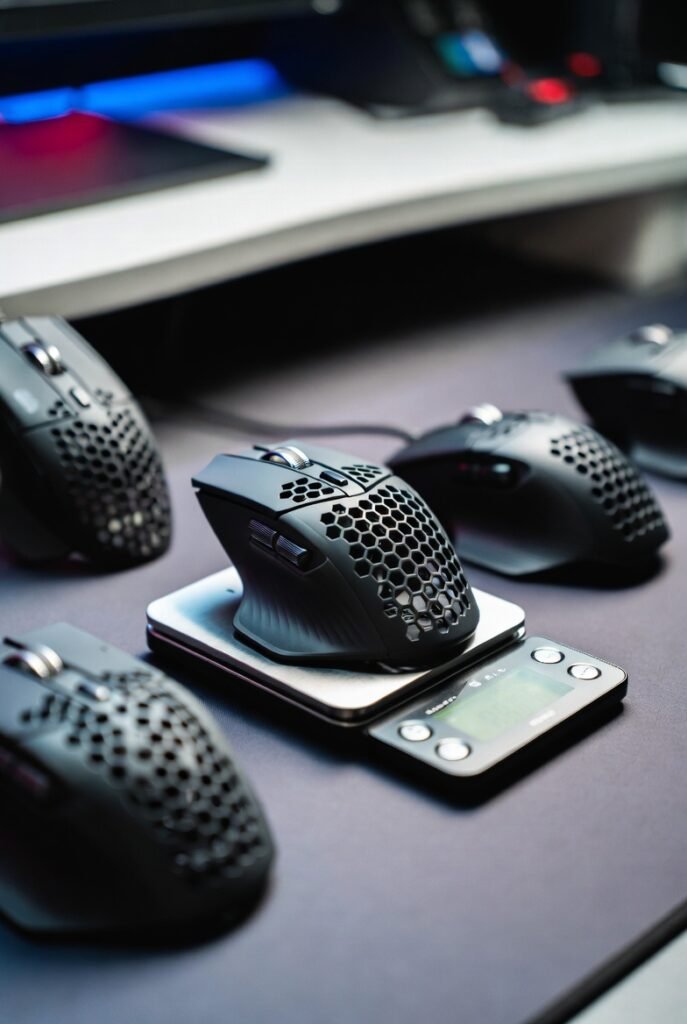
Ultralight mice reduce fatigue and make fast flicks and large swipes easier, especially in tactical shooters.
Current 2026 trends:
- Ultralight champion example: Razer Viper V3 Pro at around 54 g.
- Popular high-end esports mice often sit between 54–65 g.
- Heavier, MMO-style mice (90 g+) are better suited for games that need many buttons, not pure FPS precision.
If your main goal is performance in Valorant or CS2, aim for an ultra-light or lightweight gaming mouse under about 70 g if possible.

Understanding the Core Specs of an FPS Mouse
When you’re searching for the best FPS gaming mouse, you’ll be hit with a wall of technical jargon. Let’s strip away the marketing fluff and focus on the three pillars that actually impact your headshot percentage: weight, sensor precision, and latency.
The Weight Revolution: Is Lighter Always Better?
In 2026, the industry standard for a lightweight gaming mouse for FPS has plummeted. While 80g was considered “light” a few years ago, today’s top-tier esports mice, such as the Razer Viper V3 Pro and the ASUS ROG Harpe II Ace, weigh in between 48g and 54g.
- Why it matters: Lower mass means less inertia. You can start a flick faster and, more importantly, stop it more precisely on a target’s head.
- The “Goldilocks” Zone: Most competitive players prefer mice between 45g and 60g. Anything heavier can cause fatigue during long sessions; anything lighter can sometimes feel “flighty” or hard to control for high-sensitivity players.
Sensors and DPI: Beyond the Numbers
You might see mice boasting 44,000 DPI, but here is a secret: most pros still play at 400 or 800 DPI. What truly matters is the sensor’s tracking consistency and its ability to handle high speeds (IPS) and acceleration without “spinning out.”
Modern sensors like the Focus Pro 45K or the Logitech HERO 2 offer nearly 1:1 raw input. This means the cursor moves exactly where your hand moves, with zero artificial smoothing or prediction. For games like Valorant, look for a high-precision optical sensor that supports Motion Sync, which aligns the sensor’s reports with your PC’s polling intervals for a smoother feel.
Polling Rate: The Move to 8000Hz
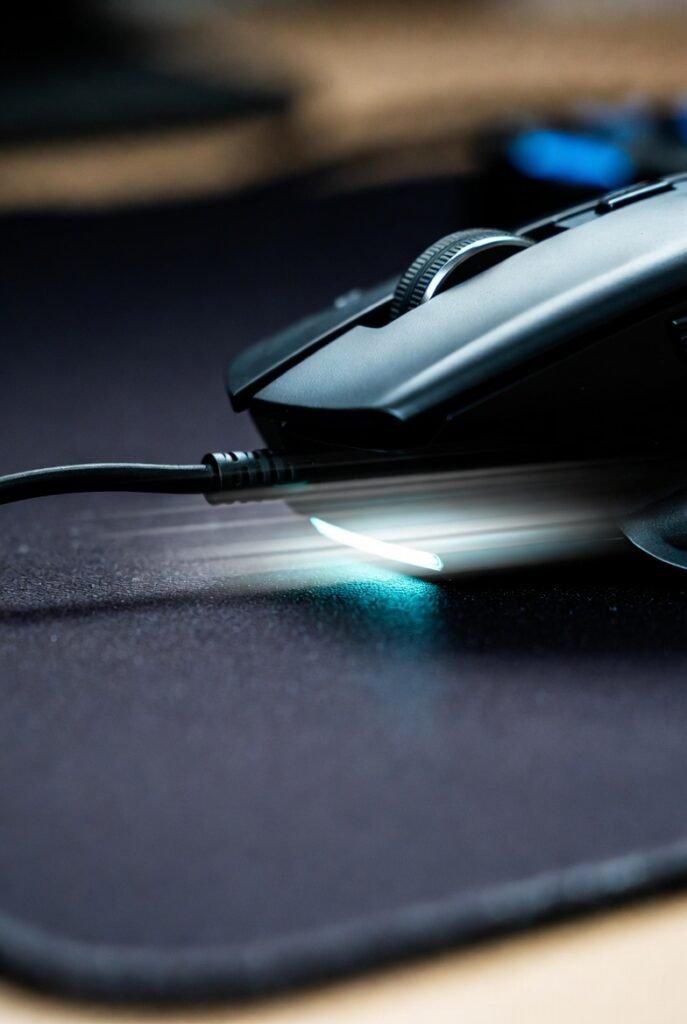
A standard gaming mouse has a polling rate of 1000Hz (reporting its position 1,000 times per second). In 2026, 8K polling (8000Hz) has become the benchmark for competitive FPS gaming gear.
- 1000Hz: 1ms delay.
- 8000Hz: 0.125ms delay.
While the difference is subtle, it results in much smoother cursor movement, especially if you are using a high-refresh-rate monitor (360Hz or 540Hz). However, keep in mind that 8K polling can be taxing on your CPU and will drain a wireless mouse’s battery much faster.
Grip Styles: Matching Shape to Your Hand
The best specs in the world won’t save you if the mouse is uncomfortable. Your “grip style” determines which mouse shape will feel natural.
1. Palm Grip
The entire hand rests on the mouse. This is common for players who use large, ergonomic mice like the Razer DeathAdder V4 Pro or the ZOWIE EC series.
- Best for: Stability and long-term comfort.
- Recommended Shape: Ergonomic (asymmetrical).
2. Claw Grip
Only the fingertips and the bottom of the palm touch the mouse. This is the most popular grip for competitive FPS players because it allows for fast clicking and precise micro-adjustments.
- Best for: Aggressive flicking and fast trigger response.
- Recommended Shape: Symmetrical with a pronounced hump in the back (e.g., Logitech G Pro X Superlight 2).
3. Fingertip Grip
Only the fingertips touch the mouse; the palm remains completely off. This provides the most range of motion but requires the most finger strength.
- Best for: Vertical tracking and extreme agility.
- Recommended Shape: Small, short, and ultra-lightweight symmetrical mice.
Comparison of Top FPS Mice in 2026
| Model | Weight | Max Polling Rate | Sensor | Best For |
| Logitech G Pro X Superlight 2 | 60g | 8000Hz | HERO 2 (44K) | Reliability & Shape |
| Razer Viper V3 Pro | 54g | 8000Hz | Focus Pro 35K | Pure Performance |
| ASUS ROG Harpe II Ace | 48g | 8000Hz | AimPoint Pro | Ultra-Lightweight |
| Vaxee XE v2 Wireless | 63g | 4000Hz | PAW 3395 | Build Quality & Clicks |
| 8BitDo Retro R8 | 72g | 4000Hz | PAW 3395 | Budget/Retro Aesthetic |
Wired vs. Wireless: Is the Cable Dead?
Five years ago, professional gamers were wary of wireless lag. Today, that debate is over. Best wireless gaming mice for FPS now feature latency that is actually lower than many wired competitors.
- Wireless Pros: Complete freedom of movement. No “cable drag” that can mess up your aim.
- Wireless Cons: Higher price point and the need to charge (though most now last 80+ hours on a single charge).
- Wired Pros: Cheaper and lighter (no battery). The Endgame Gear OP1 8K is a fan favorite for those who want 8K polling without worrying about battery life.
Common Mistakes When Buying a Gaming Mouse
- Chasing High DPI: Don’t buy a mouse just because it has “50,000 DPI.” You will likely never use more than 1600. Focus on the sensor’s signal purity instead.
- Ignoring Hand Size: If you have small hands, a “Top Rated” large ergonomic mouse will feel like a brick. Always check dimensions (Length x Width x Height).
- Overlooking Mouse Feet: The glide is as important as the sensor. Look for 100% Virgin Grade PTFE feet or aftermarket glass skates for the smoothest experience.
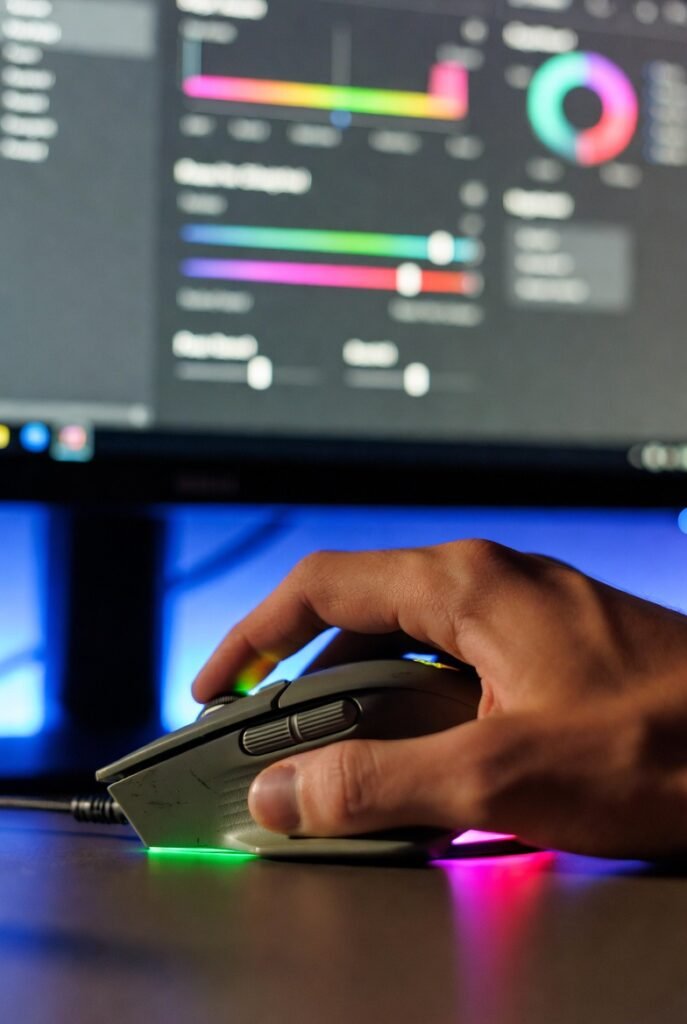
- Buying for Features over Shape: RGB lighting and 12 side buttons are useless in a fast-paced shooter. In an FPS, less is more.
- Read More:
Best Practices for Peak Performance
To get the most out of your new esports gaming gear, follow these expert tips:
- Turn Off Mouse Acceleration: In Windows, ensure “Enhance Pointer Precision” is unchecked. You want your movements to be linear.
- Match Your Polling Rate to Your Monitor: If you have a 144Hz monitor, 8000Hz is overkill. If you have a 540Hz monitor, 4K or 8K polling is highly recommended.
- Use a Consistent Surface: A top-tier mouse on a cheap, dirty desk pad is a waste. Invest in a dedicated gaming mousepad (cloth or glass) and keep it clean.
- Warm Up Your Grip: Before jumping into a ranked match in Valorant or CS2, spend 10 minutes in an aim trainer to get your hand used to the mouse’s weight and glide.
- Read More:
Conclusion: Finding Your Perfect Aim
There is no single “best” mouse that fits every human hand. However, for competitive FPS gaming in 2026, the formula is clear: prioritize a comfortable shape, aim for a weight under 65g, and ensure the sensor has Motion Sync and high polling capabilities.
If you want a safe bet that works for almost everyone, the Logitech G Pro X Superlight 2 remains the king of consistency. If you want the absolute cutting edge of speed, the Razer Viper V3 Pro or the ASUS ROG Harpe II Ace are your best bets.
Actionable Takeaway: Determine your grip style first, then filter your choices by weight and shape. Once you buy, stick with that mouse for at least two weeks to allow your muscle memory to adapt before making a final judgment.
2026 Updated
best gaming laptop for GTA 6
Xbox Cloud Gaming vs PS Cloud
Valorant 2026 pro settings guide
top VR headset 2026 review
GTA 6 how to unlock features
competitive FPS settings US gamers
FAQ: Most Searched Questions About FPS Mice
1. What mouse do pro FPS players use most?
Currently, the Logitech G Pro X Superlight 2 and the Razer Viper V3 Pro are the most used mice in the pro scenes for Valorant and CS2. Pro players value the “safe” shapes and the proven reliability of these brands.
2. Is 8000Hz polling rate worth it?
It depends on your monitor. If you are using a monitor with a refresh rate of 360Hz or higher, 8000Hz provides a noticeably smoother and more responsive cursor. For 144Hz or 240Hz, the difference is negligible.
3. What is the best DPI for Valorant and CS2?
Most professional players use either 400 or 800 DPI. This allows for more precise arm movements. High DPI (above 1600) can sometimes lead to “pixel skipping” or jittery aim if the sensor is not perfectly calibrated.
4. Are lightweight mice better for sniping?
Yes and no. Lightweight mice are better for flick-sniping (quick reactions). However, some snipers prefer a slightly heavier mouse (70g range) for the added stability it provides when holding a steady angle.
5. Should I get a mouse with holes in it?
The “honeycomb” design was popular to save weight, but in 2026, manufacturers like Razer and Logitech have achieved sub-60g weights with solid shells. Solid shells are generally more durable and easier to keep clean.
6. Can I use a wireless mouse for competitive gaming?
Absolutely. Modern wireless technology (like Razer’s HyperSpeed or Logitech’s LIGHTSPEED) has zero latency issues. In fact, many wireless mice now have lower click latency than traditional wired office mice.
🔥 2026 Trending Games
GTA 6 🔥🔥🔥
- Call of Duty 2026
- Fortnite Chapter updates
- Valorant new agents
- EA Sports FC updates
- Minecraft AI mods
- Roblox creator economy
Cloud Gaming
- Xbox Cloud Gaming
- NVIDIA GeForce NOW
- PlayStation Cloud
- “No Console Gaming” trend
Gaming Hardware & Accessories
- Gaming laptops (RTX 4070/4080)
- Gaming monitors (240Hz / OLED)
- Mechanical keyboards
- VR headsets
Game Development / AI in Gaming
- AI NPCs
- Unreal Engine 5
- Game mods using AI
- “How AI is changing gaming”
- Esports & Competitive Gaming
- Valorant / CS2 / Fortnite esports
- Tournament prize pools
- Pro player setup
- iOS games updates
- Gacha games
- Strategy games
Gaming Subscriptions & Services
- Xbox Game Pass
- PlayStation Plus
- Ubisoft+
Gaming Security
- Account hacking
- Anti-cheat systems
- Game ban appeals
Leave a Reply
Related Post:

How to Prepare for Grand Theft Auto 6 Release

How to Prepare for the Most Anticipated Games of 2026

8 Games with the Best AI Smart Enemies 2026

AI NPCs: The New Frontier in Game Design

Is Console Gaming Better Than PC Gaming in 2026?

Best Gaming Laptops For GTA 6 Buyer Ultimate 2026 Guide
-
 Entertainment3 months ago
AI NPCs: The New Frontier in Game Design
-
 Entertainment3 months ago
Is Console Gaming Better Than PC Gaming in 2026?
-
 Entertainment3 months ago
Best Gaming Laptops For GTA 6 Buyer Ultimate 2026 Guide
-

 Entertainment3 months ago
GTA 6 Release Date, Trailer, Price, Map and Everything You Need to Know
-

 Entertainment3 months ago
How to Choose Between Xbox Cloud Gaming and PS5 Plus
-
 Entertainment4 months ago
What Are the Best Strategies for Assassin’s Creed Shadows?
-

 Business4 months ago
👉 AI in Europe: Powerful Benefits and Hidden Risks
-
 Entertainment2 months ago
What Are the Best 240Hz Gaming Monitors for 2026?
Leave a Reply